

WebsiteUpdates in a React 19 website where you control the build and can serve a small JSON manifest. You need the public project ID and a different build ID for each deployment.
1. Mount the notification
Install@makershq/react@0.3.1 and render this component once beside your app. Replace the project ID and compile the build values into the running bundle. For React Server Components, use a client component.
Publish a deployment manifest
2. Deploy the next build. Compilebuild-102 and 1.2.4 into its bundle. After the matching assets are available, publish this /version.json on the same website with Cache-Control: no-store.
build-101 can now detect the new deployment. Each bundle must keep its own build ID. Reading the running build ID from the manifest would make old tabs look current.
Save safely before refresh
3. Protect pending edits. If visitors can edit documents or forms, pass your app’s save function asbeforeRefresh. The SDK waits for it to finish. Reject the promise if work cannot be saved so the visitor can retry without losing the current page.
Show what changed after loading
4. Verify with two builds. Leave a tab open on the first build, deploy the second, and return to the tab. The SDK checks on focus after its throttle interval, on reconnect, and every five minutes while visible. Choose Refresh. If you published a note with the exact App version1.2.4, the updated page can show it after loading. First visits establish a baseline silently.
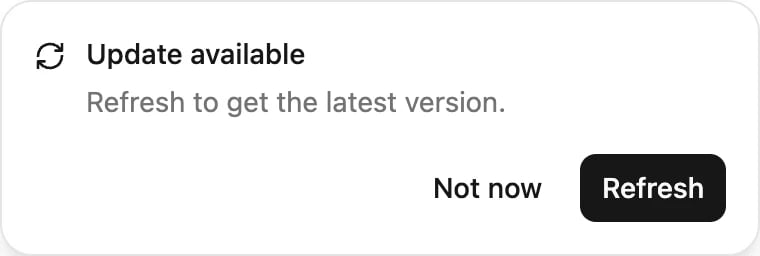
An optional website notification lets customers refresh when a new deployment is ready. Example content shown.